You can remove the image on your homepage banner at any time.
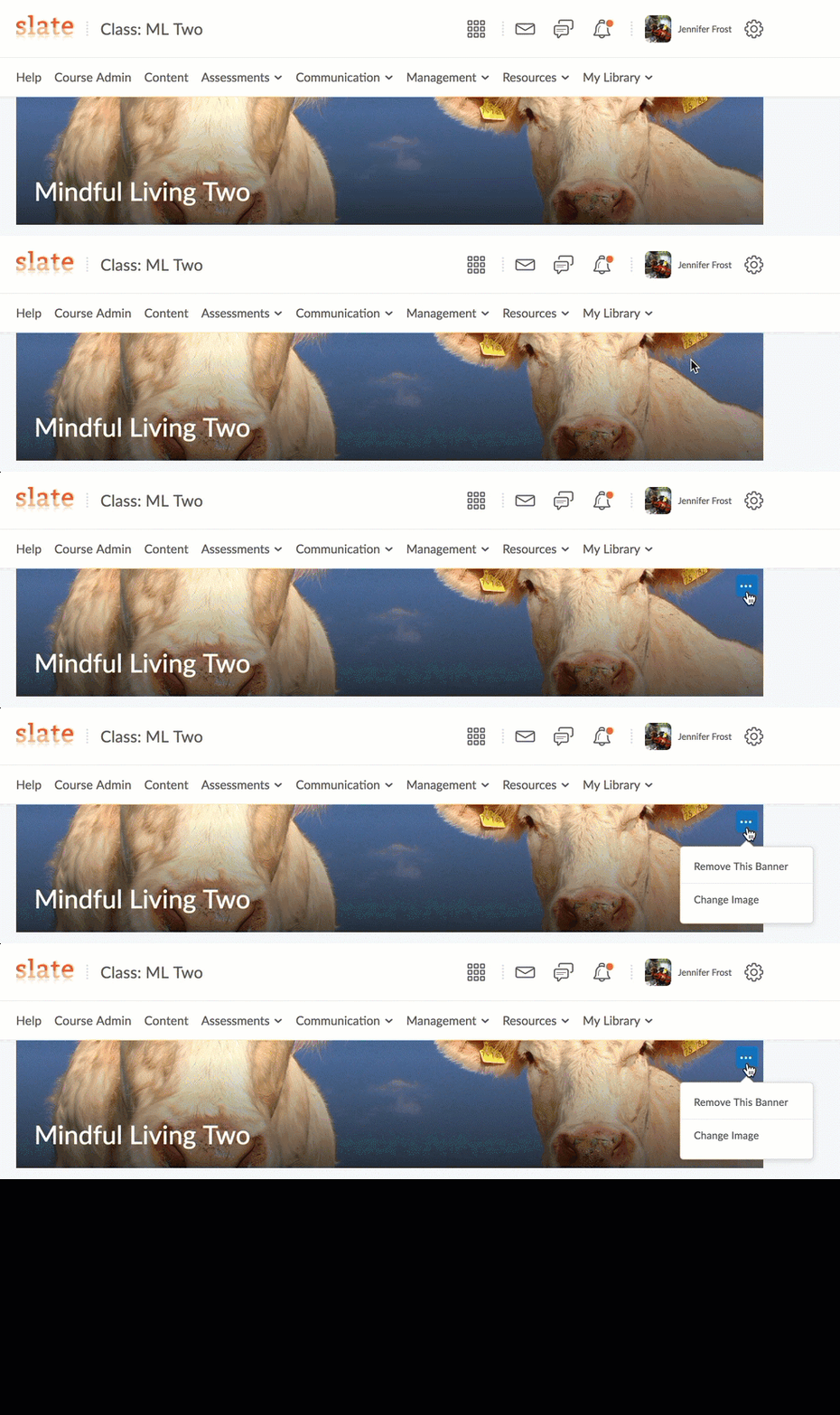
- Hover over the banner and wait for the box with three dots to appear in the upper right-hand corner.
- Click it, and you will be given the option to: Remove the Banner or Change Image.
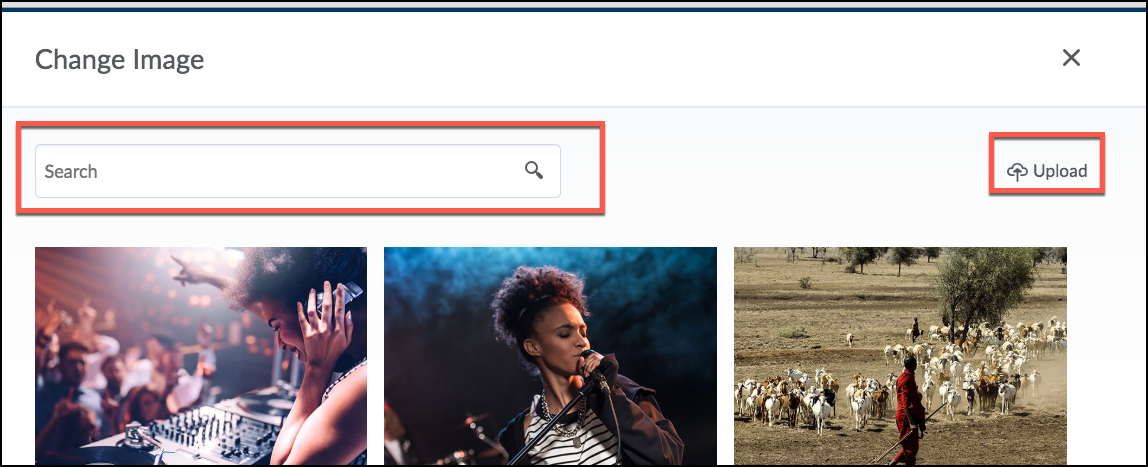
If you choose to change the image, you can search for hundreds of custom banner images. You are also able to upload your own image.
If you delete the homepage banner and want to add it back in. Scroll to the very bottom of your SLATE course homepage. Look for the three dots in the lower right-hand side of the page.
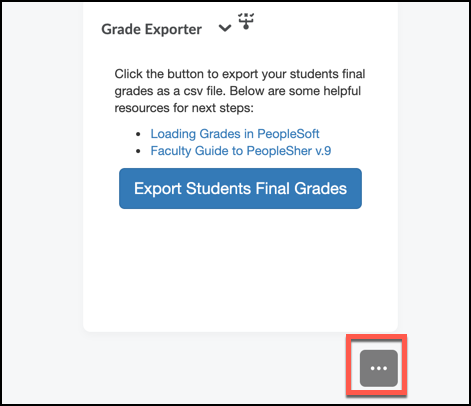
Choose Display Homepage Banner.
Scroll back up to the top of your homepage, and the banner will be visible.
